
ALFIDAONE software, screen by screen
Real screens from the application, shown with invented demonstration data.
POS
-
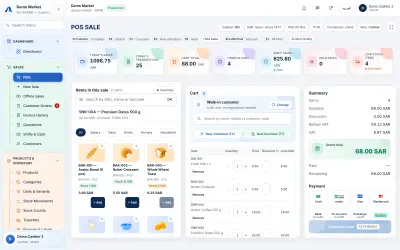
POS sales screenThe till screen: scan a barcode or search by name or code, build the basket and watch the subtotal, VAT and grand total update before taking payment. -
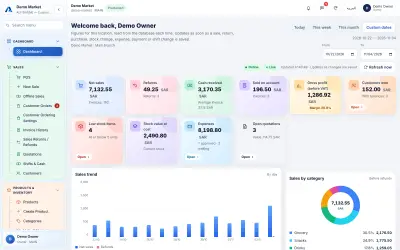
Store dashboardNet sales, refunds, cash received, gross profit, low-stock items, stock value, expenses and open quotations for the chosen period, with a sales trend and sales by category. -
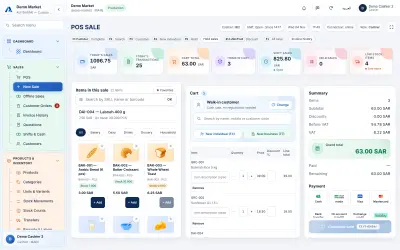
New sale (detailed)The detailed sale form: every basket line has its own description, quantity, price and discount percentage, and a customer can be attached before payment. -
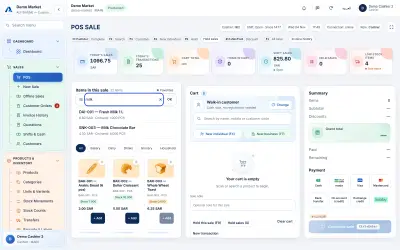
Barcode and product searchType part of a name, a code or a barcode and the matching products appear at once; pressing Enter puts the item into the basket, as a barcode scanner does. -
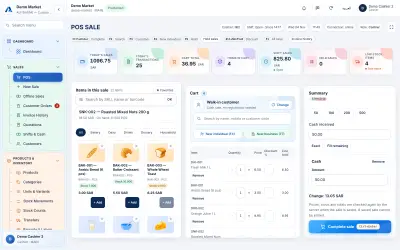
Cart and checkoutEnter the amount received and the screen shows the change to give back; the Complete sale button is enabled once the payment covers the total. -
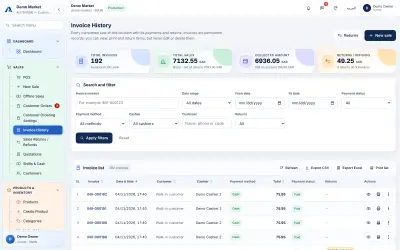
Invoice historyEvery completed sale with its invoice number, date, cashier, payment method, total and status, with filters, CSV and Excel export and a print list. -
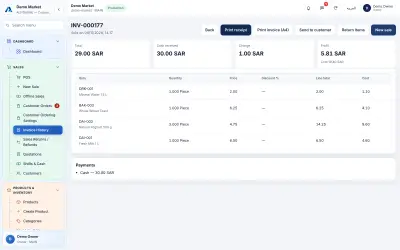
Invoice previewOne invoice with its items, quantities, prices and payments, and buttons to print a receipt or an A4 invoice, return items or start a new sale.
Products & Catalogue
-
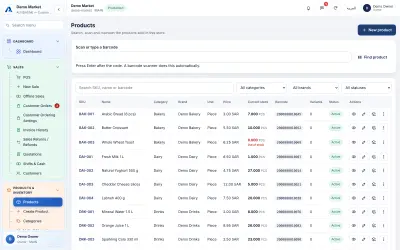
ProductsThe product list with SKU, names, category, brand, unit, price, current stock and barcode, with search and filters for category, brand and status. -
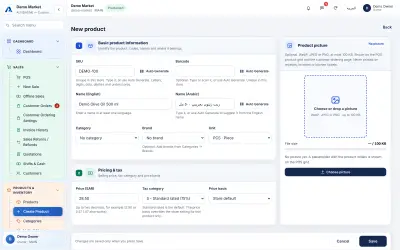
Create productThe new-product form: SKU, barcode, English and Arabic names, category, brand, unit, price, tax category and an optional picture. -
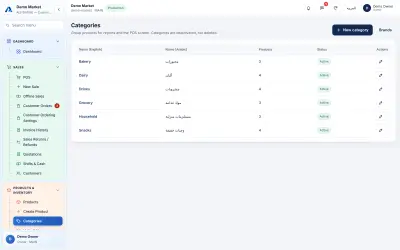
CategoriesProduct categories in English and Arabic with the number of products in each; categories can be added, edited and switched off. -
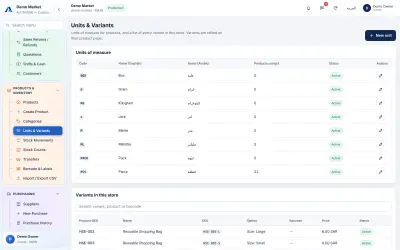
Units and variantsUnits of measure, and the list of product variants (for example sizes), each with its own code, option text and price. -
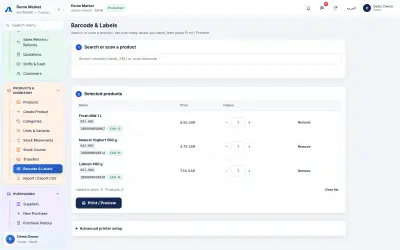
Barcode labelsSearch or scan products, choose how many labels each one needs and print barcode labels.
Inventory
-
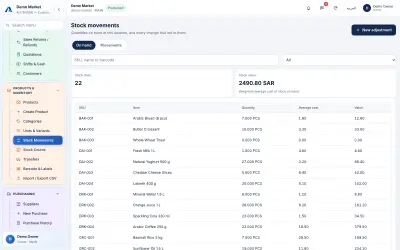
InventoryStock on hand for every product at this location with its average cost and value, and the total stock value. -
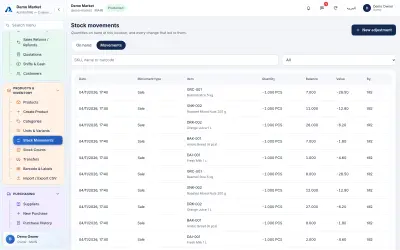
Stock movementsThe ledger of every stock change, such as sales, purchases, returns and counts, with the quantity, running balance and who made it. -
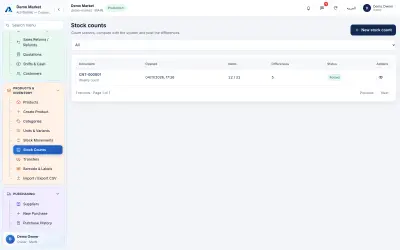
Stock countsCount the shelves, compare with the system and post the differences; each count is kept with its date, items counted and differences.
Purchasing
-
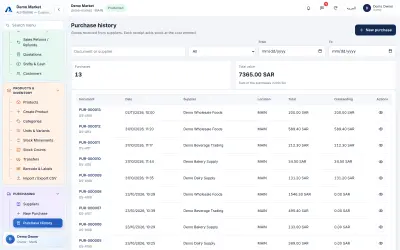
PurchasingGoods received from suppliers: document number, date, supplier, total and the amount still outstanding on each purchase. -
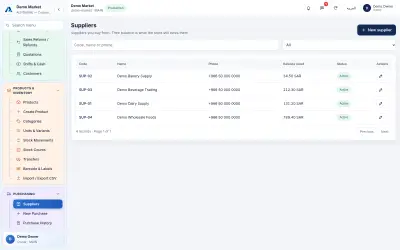
SuppliersSuppliers with their contact numbers and the balance the shop still owes each one. -
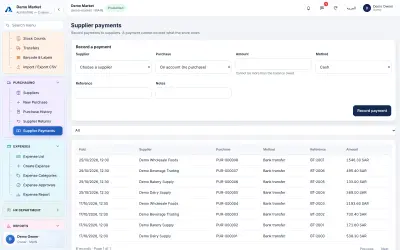
Supplier paymentsRecord a payment to a supplier and see the payments made, with method, reference and the purchase each one settles.
Customers & Cash
-
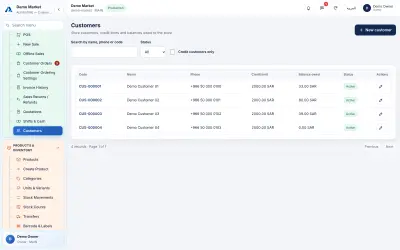
Customer managementStore customers with their credit limit and the balance they owe; credit sales are checked against the limit. -
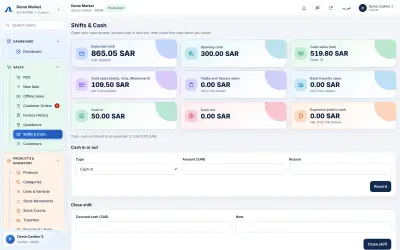
Cash shiftsThe cashier's open shift: opening cash, expected cash, cash and card sales, cash in and out with reasons, and the closing count. -
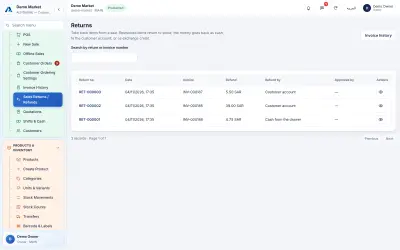
Sales returns and refundsReturns tied to the original invoice, with the refund amount and how it was paid back, for example from the drawer or to the customer account. -
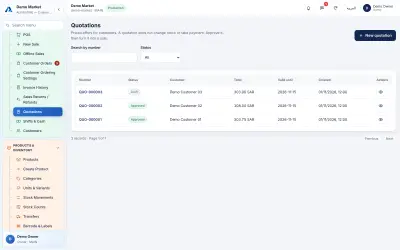
QuotationsPriced quotations for customers with status, total and validity date. A quotation changes no stock and takes no payment until it becomes a sale.
Expenses & Accounting
-
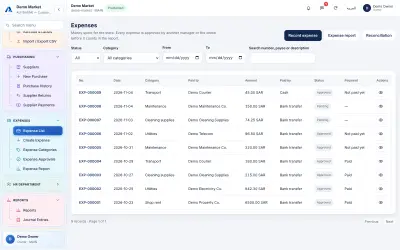
ExpensesShop expenses with category, payee, amount, how they were paid and their status; whoever records an expense cannot approve it. -
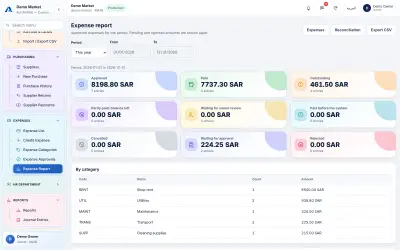
Expense reportApproved, paid, outstanding and pending expense totals for a chosen period, broken down by category and payment method. -
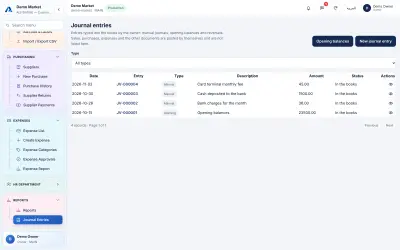
Accounting journalThe owner's manual journal entries and opening balances. Sales, purchases and expenses post their own entries automatically. -
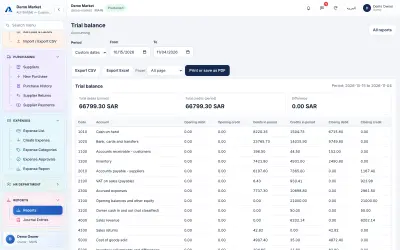
Trial balanceA trial balance for a chosen period with opening balance, debits, credits and closing balance for each account, built from the shop's records.
Reports
-
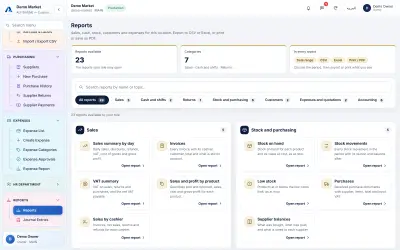
Reports dashboardThe report centre: reports grouped by sales, cash, returns, stock and purchasing, customers, expenses and accounting, each exportable to CSV or Excel or printable as PDF. -
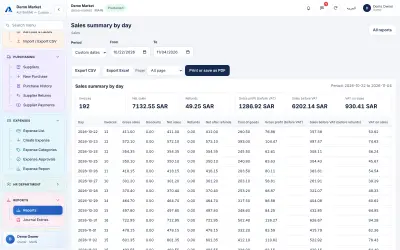
Daily sales reportSales summary by day: invoices, gross and net sales, refunds, cost of goods, gross profit and VAT for the chosen period. -
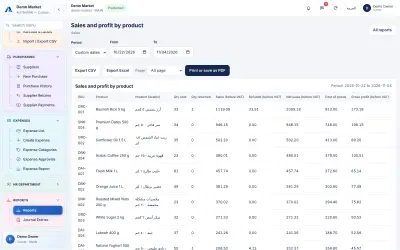
Sales and profit by productQuantity sold and returned, net sales, cost and gross profit for each product over the chosen period. -
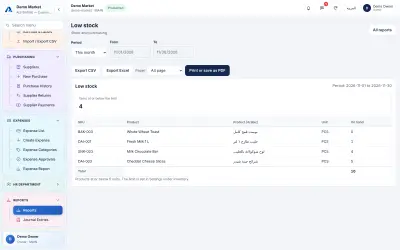
Low stock reportProducts at or below the low-stock limit, with the quantity on hand for each.
Printing
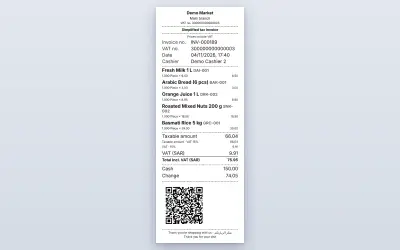
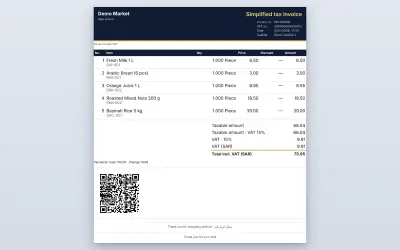
Customer Ordering
-
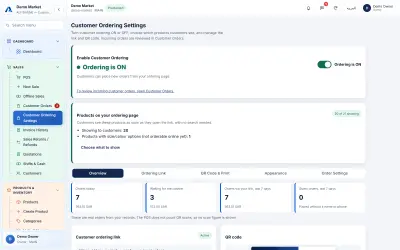
Ordering settingsSwitch customer ordering on or off, choose which products customers see and follow today's order counters. -
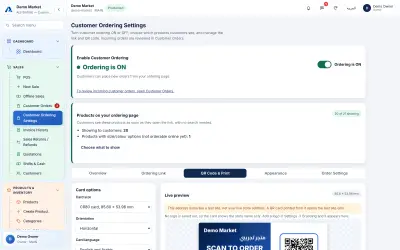
QR cardThe QR card for the ordering link: choose the card size, orientation and language and see a live preview before printing. -
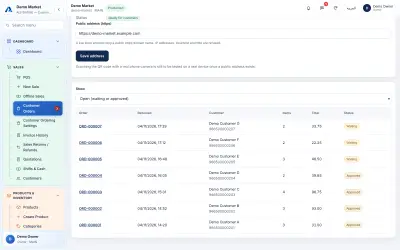
Customer ordersOrders placed through the ordering link, with order number, time, customer, items, total and status; the cashier approves or rejects each one.
HR Department
-
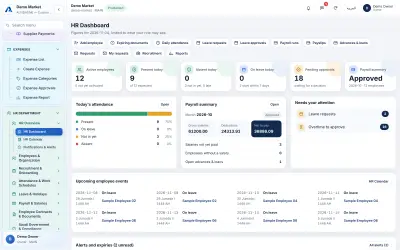
HR dashboardActive employees, today's attendance, leave, pending approvals, the month's payroll summary and upcoming events and alerts. -
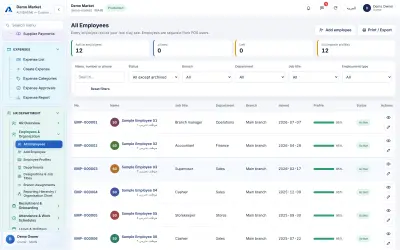
EmployeesThe employee list with number, name, job title, department, branch, joining date, profile completeness and status, with filters. -
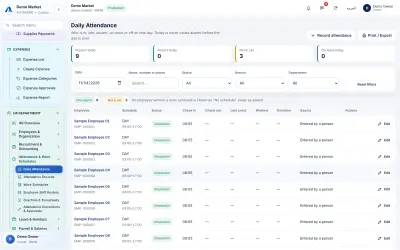
AttendanceDaily attendance: who has checked in, is late, absent or on leave on a chosen day, with schedule, check-in and check-out times. -
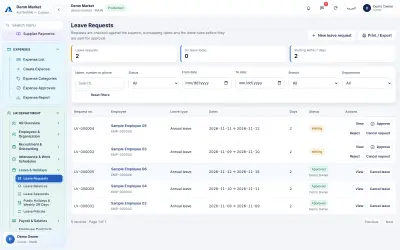
LeaveLeave requests with employee, leave type, dates, days and status; requests are checked against the balance and the leave rules before approval. -
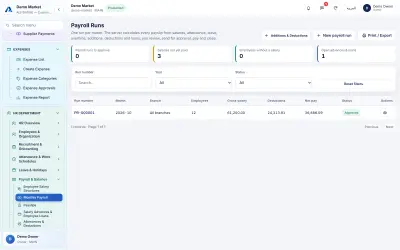
PayrollMonthly payroll runs with month, branch, employees, gross salary, deductions, net pay and approval status. -
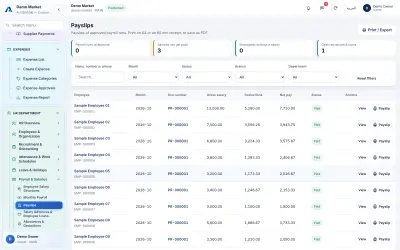
PayslipsPayslips of approved payroll runs for each employee, with gross, deductions, net pay and paid status, ready to view or print on A4 or 80 mm. -
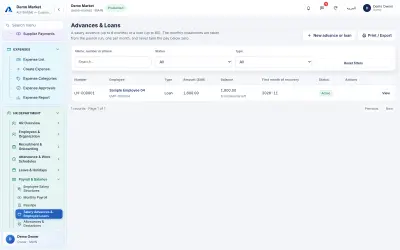
Advances and loansSalary advances and loans with amount, remaining balance, instalments left and the first month of recovery; instalments are taken through the payroll run. -
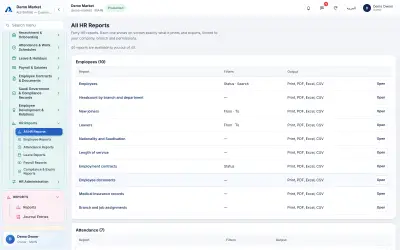
HR reportsA catalogue of 40 HR reports, covering employees, attendance, leave, payroll and expiry, each printable or exportable to PDF, Excel or CSV.
See ALFIDAONE with your own products
Book a walk-through. We will show the till, stock and reports using the kind of business you run.